Finish the mix before mastering
Mastering is not the time to rewrite the mix. Before sending a track for mastering, make sure vocals, instruments, drums, bass, and effects are sitting where you want them.
Listen for sections that feel too loud, too quiet, muddy, thin, harsh, or unfinished.
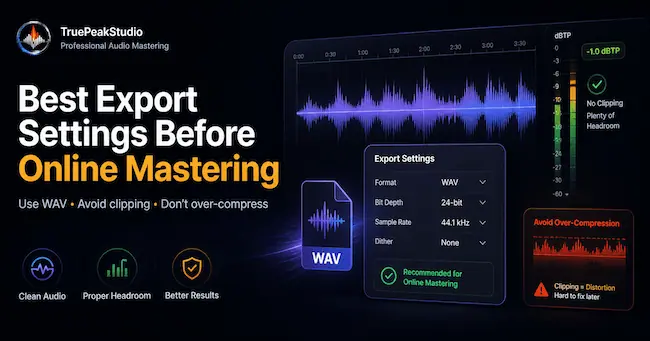
Avoid clipping on export
A clipped mix gives the mastering process less room to work. If the stereo file is already distorted, final processing can make the distortion more obvious.
Leave headroom and avoid pushing the master output into the red.
Export a high-quality file
WAV is usually the safest format for mastering. It preserves more information than a heavily compressed file and gives the final process a cleaner source.
Keep your project file and original mix export backed up before creating alternate versions.
Check the full song
Listen from beginning to end before uploading. Check the intro, transitions, loud sections, quiet sections, ending, and any fades.
Make sure there are no accidental clicks, cutoffs, long silence, missing parts, or export glitches.
Final thought
Good mastering starts with a good mix. Prepare the file carefully, export it cleanly, and use TruePeakStudio to help create a stronger release-ready master.